Documentation
Reuse a docs search across different keywords. For pages with a predictable path, store the path pattern and substitute the page name.
 Book MarkerChrome · Firefox
Keep frequently used pages and searches together. Turn an address into a template when only the keyword or path needs to change.
Save the project page, manual or portal you want to come back to. Put related pages in the same folder and use tags for cross-cutting topics.
Turn a changing search phrase or URL path segment into an input field. Fill that part in whenever you open the shortcut.
Save a derived shortcut with frequently used values so it is ready to open again.
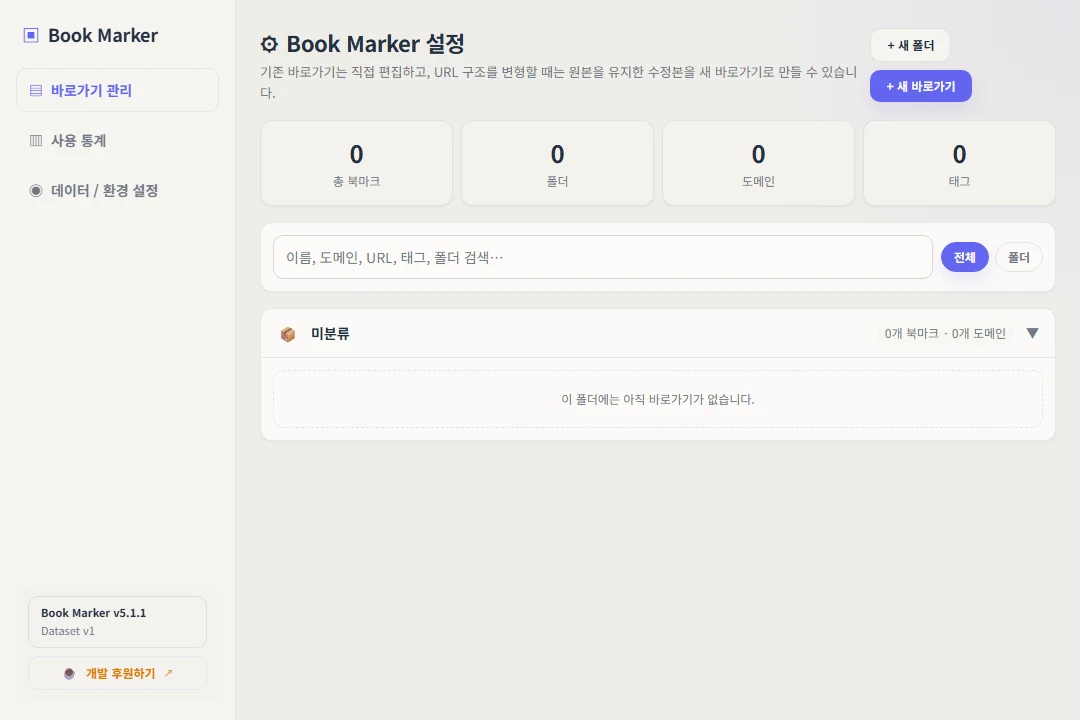
Reuse a docs search across different keywords. For pages with a predictable path, store the path pattern and substitute the page name.
Keep recurring resources in a folder and tag cross-project references. Use a template to replace a changing ticket or record identifier.
Export a backup before moving browser profiles. Bring the file to the new installation and import it there.
Bookmarks, templates and organization are stored by the extension in your browser. Use its export and import controls for a portable backup.
Use the listings for Chrome and Firefox. Each installed extension has its own browser storage.
The current development version includes an Android connection preview. Public use remains focused on the browser extension and file-based backup.