See remaining stock
Check how much is left in each package and set up a low-stock reminder.
 My MedAndroid
Keep scheduled reminders, confirmation and remaining supply together. See the last dose before you mark another one as taken.
Sample entries
Enter the schedule, the amount you already take and the remaining quantity. Add a container style or photo to tell similar packages apart.
Mark it as taken from the reminder, or snooze it for 15 minutes. The dose history shows the recorded time.
See how long ago it was recorded and the exact time. If you recorded it by mistake, use undo. A configurable duplicate-dose warning helps you pause and check.
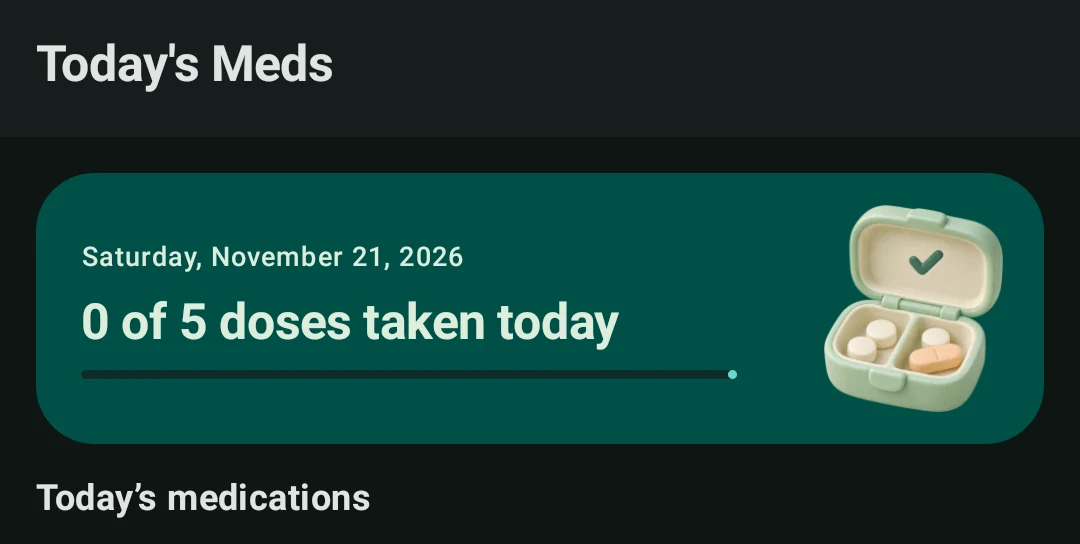
Check how much is left in each package and set up a low-stock reminder.
Use the cabinet refill action after buying or receiving a new supply.
The optional Drug Info screen queries openFDA. Availability depends on the medication and the data source.
Your medication schedules and dose history are stored on your Android device. Share a drug name through the optional search only when you choose to look it up.
Check My Med’s notification permissions and Android’s battery settings. The app also restores its scheduled reminders after a restart.
My Med supports Android 7 or later, in English, Korean, Japanese, Spanish, Simplified Chinese, German and French. The Google Play listing can vary by region and release status.
The app records your schedule and entries. Follow the medication label and your clinician or pharmacist’s directions for dosing and missed doses.