Map
See which tasks lead into the next stage and where another branch of the plan begins.
 Next ToDoAndroid
Sketch a project as a flow, with notes and checklists next to the work. Switch to a focused view when it is time to tackle one step.
Pick a card to follow the example.
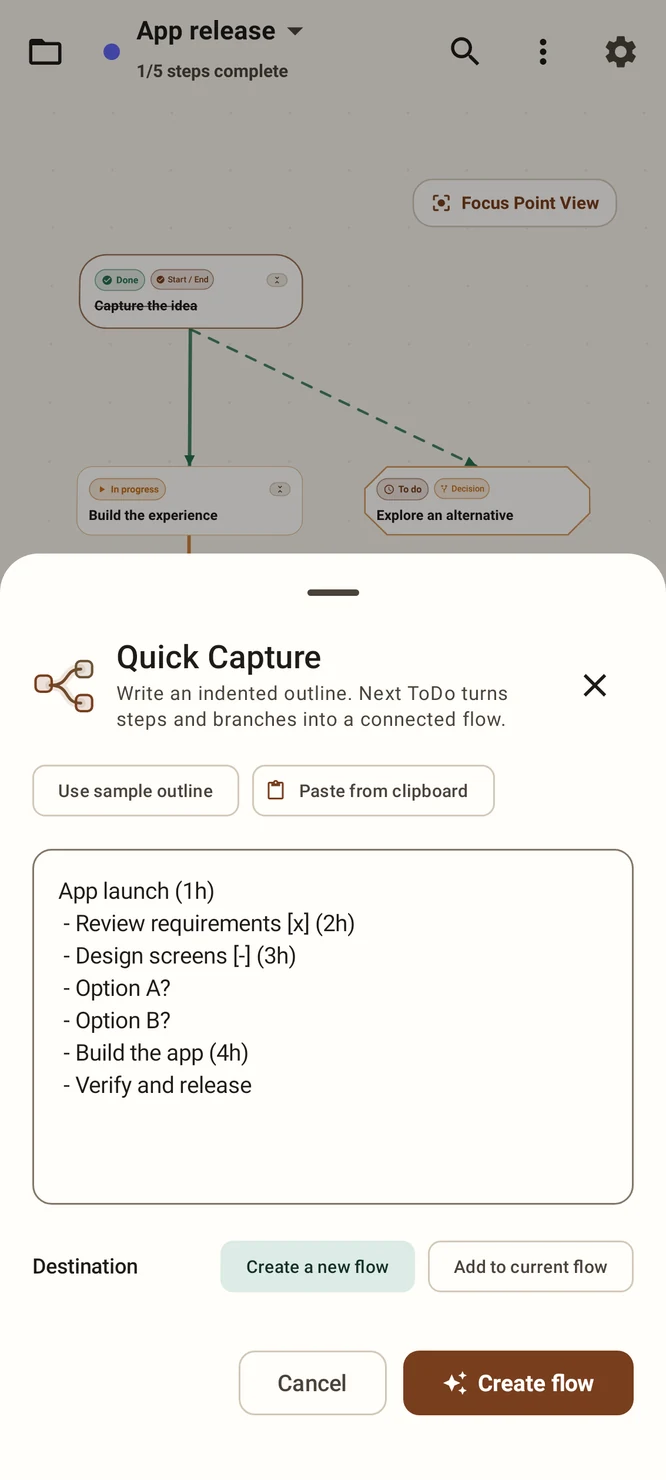
Type or paste your starting list in Quick Capture. Use indentation to keep related steps together and preview the result.
Connect items, add notes and checklists, and move items as the plan changes. Switch to the full map when you need the big picture.
Open a smaller set of tasks in Focus or Deck when you want to work through items without navigating the canvas.
See which tasks lead into the next stage and where another branch of the plan begins.
Bring the parts you are working through into view. Keep notes and checklists with their related task.
The current Android internal test build includes a revised focus row and group-related project controls. Store versions may differ.
Use the file export and import options for a project you plan to reopen and edit.
Use image export for a visual snapshot. Keep the editable backup file for restoring the project structure.
Paste an outline into Quick Capture, check the preview, then create a new flow or add it to your current one.