This week
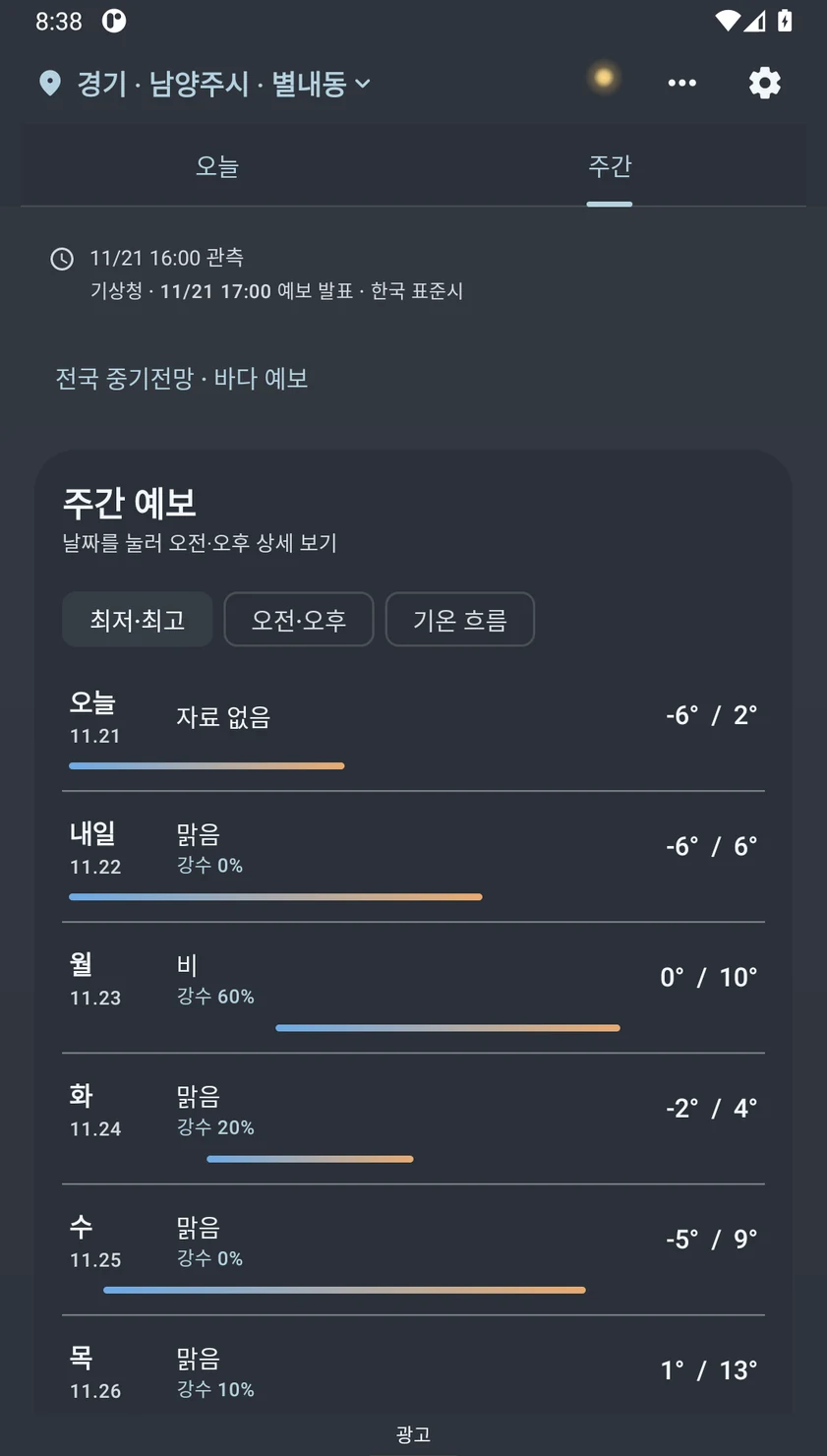
 Today WeatherAndroid · South Korea
See the KMA forecast for the neighborhood you choose, with local artwork that changes with the season, time and weather. Look ahead to the week, nearby districts and tonight’s sky.
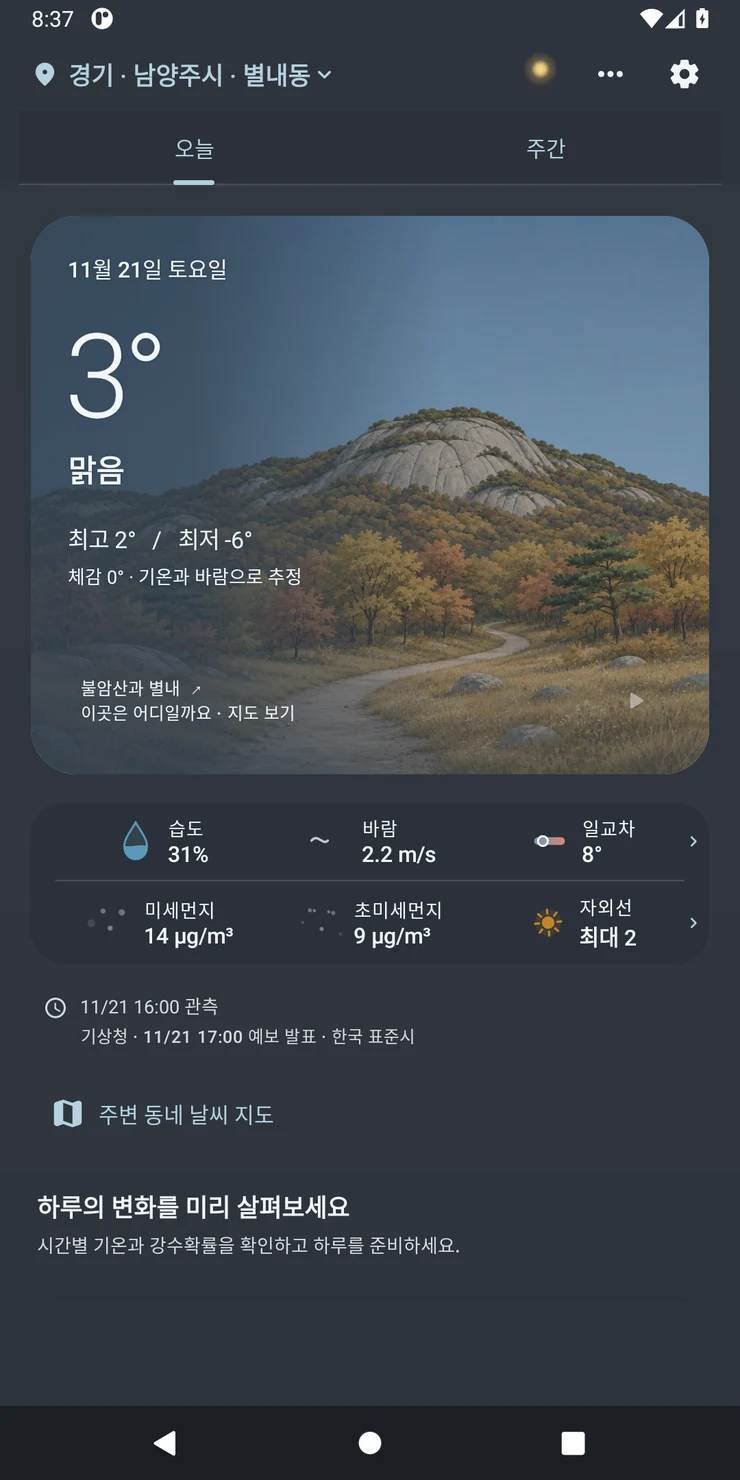
Search for a Korean town or district, save favorites, or enable location to find the current area. When a district has local artwork, the illustration changes according to the time and conditions.
Use the hourly forecast to plan when to leave and the Week view to compare days. Check the timestamp on the KMA forecast and look for UV and particle information when available.
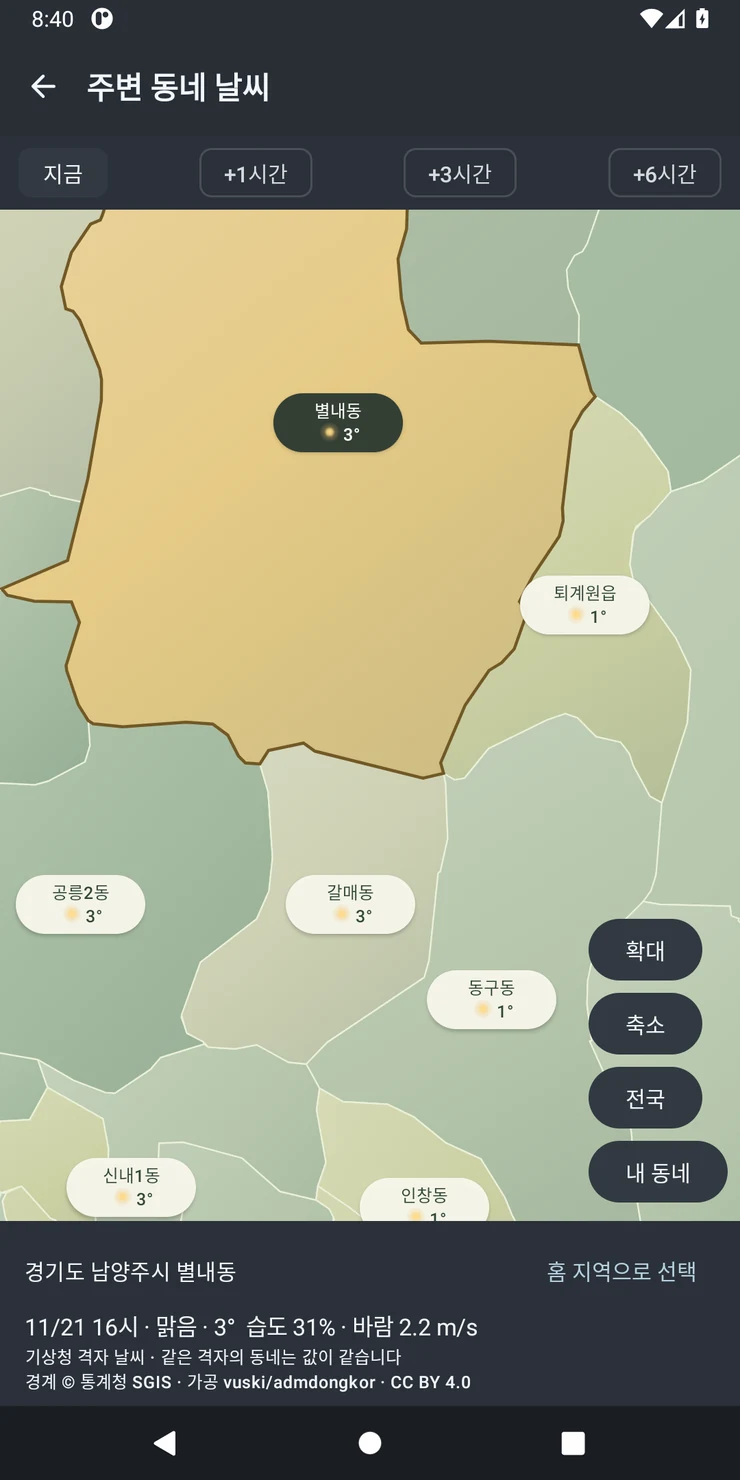
Check neighboring districts for local differences. For a larger weather system, use nationwide radar and infrared satellite layers.
Save the districts you check often. Open your home or destination directly.
Add an available 2×2 or 4×2 widget to glance at your selected area’s forecast and cached scenery.
The 0.9.13 build can preview a routine weekday or weekend district while the current GPS reading resolves. Check the displayed district before reading the forecast.
Yes. Search for a covered Korean town or district or open one of your favorites manually.
The app uses Korea Meteorological Administration observations and forecasts. Check the update time and the selected district. Individual readings vary by area and source.
The landscape is an illustration. Scenes vary by supported district and conditions, and a general scene can be shown for other places.
Use official KMA and public emergency channels for severe-weather notices. The app’s optional weather summaries and rain reminders can help with day-to-day planning.
This website has a complete English edition. The screenshots are from the Korean app interface.